
The vast majority of what I re-read is usually by an author I can remember, has a title I can remember, and is still available on the internet. However, on ocassion, I'll get caught out, and want to find an article on a topic I vaguely remember reading, with a title that I cannot remember in the slightest. Sometimes, Googling will find the original, other times it's a lost part of my reading history forever.
Last year I decided to do something about it, and invested an afternoon to figure a better way to keep tabs on what I read. Here's what I came up with:
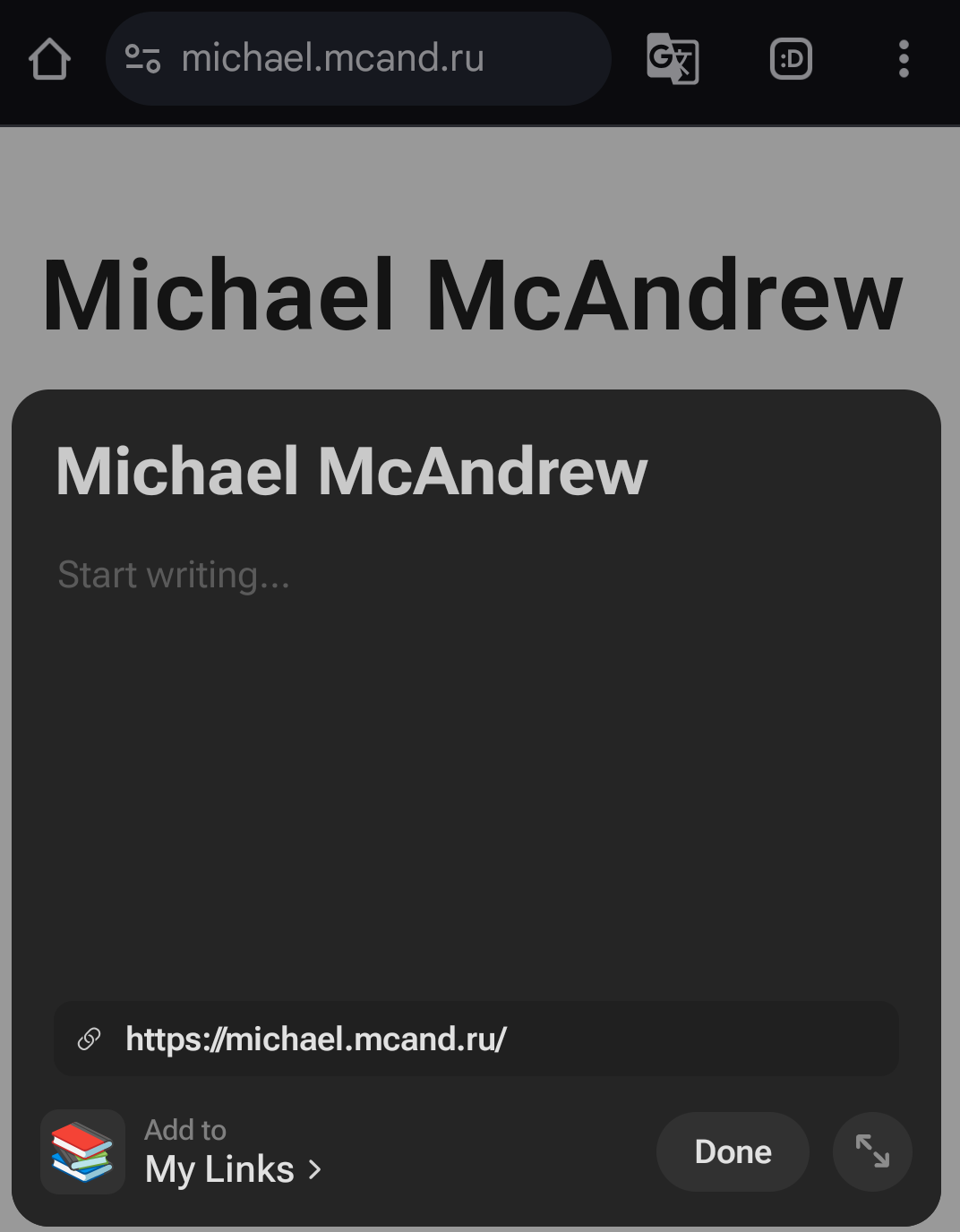
I'm sure far more sophisticated workflows exist, but I love this because it's frictionless enough that I actually use it, gives me a single consistent reading experience via the Notion app, creates my own copy of everything that I read, that I can keep forever, and makes it incredibly easy to find in future if I need it again.
I have also had my links database publicly available on my site for quite some time now. This is not intended to be really public, it more just facilitates me to easily share a link with a friend to one of my Notion copies of an article if I wish. I rarely if ever do this in practice though, so maybe I'll make it private again in future.
I honestly don't think there's much in this workflow that I'd change, other than making it easier for me to add tags when saving a link. The official Notion web clipper doesn't support adding tags, and neither does the mobile browser "Share" option though, so I'll probably have to live with that for now.